One tactile pad for every AI thread you run.
Grokpad is an open-source clone of the agentpad13 macropad with a small mic and speaker added. Services connect to it as threads. Grokbot is the first one.
How it works Current status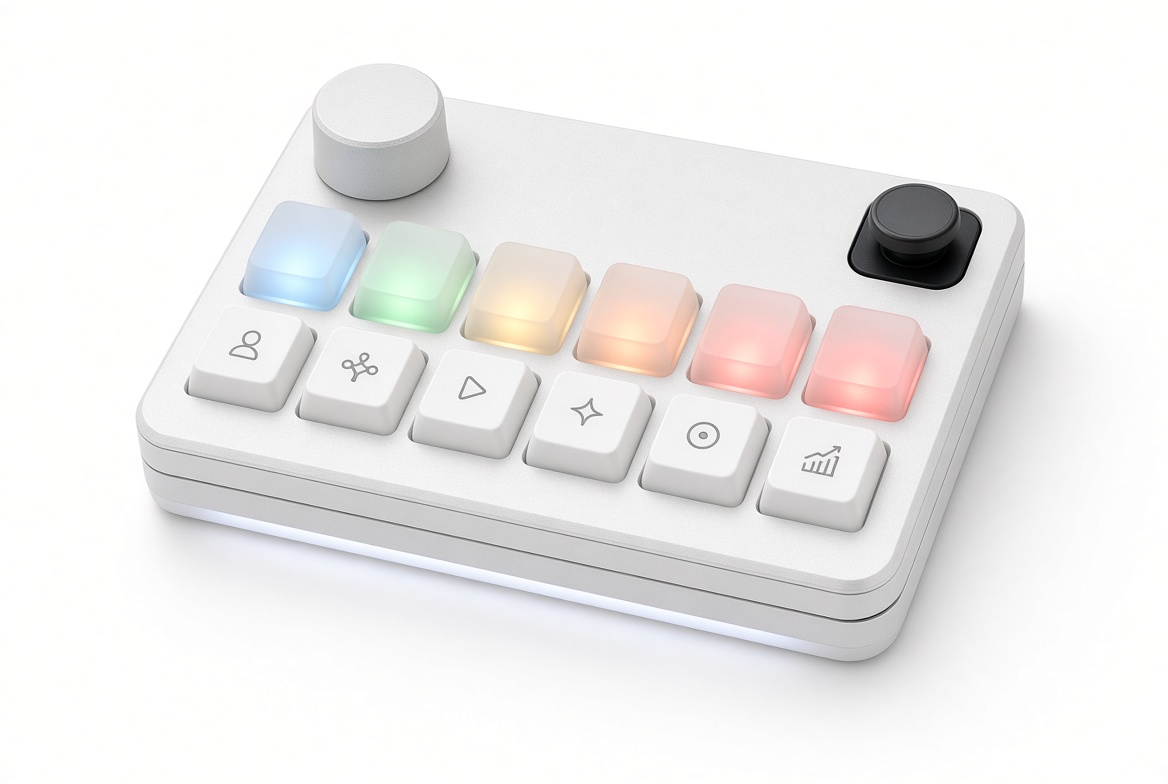
Grokpad is an open-source clone of the agentpad13 macropad with a small mic and speaker added. Services connect to it as threads. Grokbot is the first one.
How it works Current status
Honest status as of November 23, 2026. This is an open design package, not a finished product.
The open agentpad13 board (RP2040). Other people have ordered, built and run it. Grokpad copies it almost exactly.
Architecture, firmware plan, host bridge, thread layer, audio add-on and parts list are written. Parts are ready to order.
We have not built or tested a Grokpad ourselves. The audio add-on and the Grokbot thread are designed on paper only.
No kits, units or parts are for sale. Everything is open so you can order from the fab yourself.
Three layers. The pad stays simple. Everything smart lives in the that connect to it.
A near-identical agentpad13 clone.
A small program on your computer.
Each service is one thread.
Other threads are possible later. None exist yet.
The pad shows what each thread is doing and lets you steer it without touching the keyboard.
One key per running task. Its color shows the state in real time.
| Blue | Thinking |
| Amber | Waiting for you |
| Green | Done |
| Red | Error |
| White | Idle / focused |
Joystick: pick a workflow (review, debug, refactor…)
Dial: reasoning effort, or switch thread
Command keys: accept, reject, new task, send, push-to-talk
A tiny mic for push-to-talk and a small speaker for short sounds and spoken replies. It plugs into the board's spare header, so the main board stays the same.
Grokbot runs its hard work on Astra 6.2 (Sol 6.2 is the alternative). The pad doesn't care which model a thread uses. It only shows state and sends your input.
A near-identical copy of the open agentpad13 board. Weekend-buildable, repairable, no lock-in.
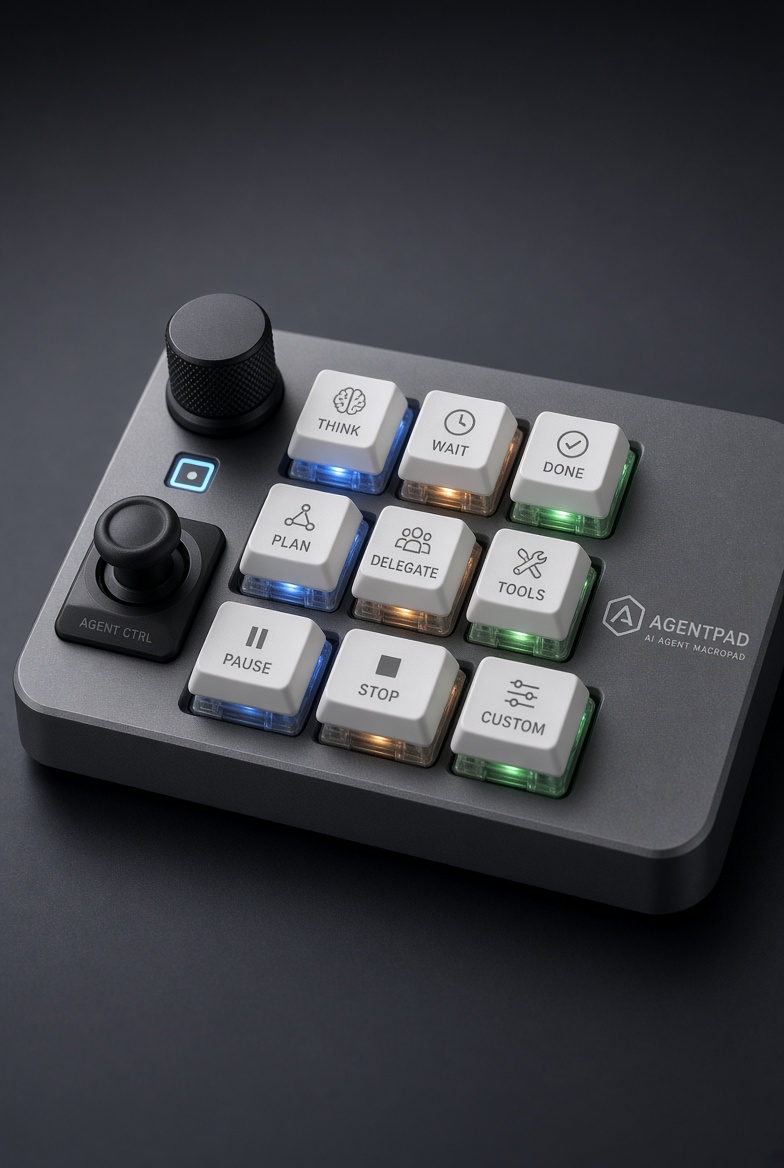
To order: use the public agentpad13 configurator to get the parts list and fab files.
agentpad13 puts the minimum spend at roughly $35–45 plus parts. Prices change. The case is 3D-printable.
A do-it-yourself open-source project. No sales or assembly service.
Order the board and parts, print the case, add switches, flash the firmware, and run the thread layer on your computer. The design package has the steps.
We don't sell units, kits or parts. Order from fabs and distributors yourself.
If people want it, small-batch kits could come later. Nothing is planned. The project stays open-source either way.
The pad talks to your computer over USB using the open agentpad13 status protocol, plus a small Grokpad addition for key events and audio (proposed, not built). The thread layer owns the pad and lets services connect as threads. Each thread sends its task states, and the pad lights up to match. Your key presses go to whichever thread has focus. The Grokbot thread keeps its own conversations and tools and decides when to use Astra 6.2.
Design package v2, rebuilt in November 2026 from the public agentpad13 sources.
A thread is one service connected to the pad, like Grokbot. It tells the pad what its tasks are doing, and it gets your key presses when it has focus.
Grokbot is the first thread. Others could connect the same way later, but none are built yet.